Pick Channel
The pickchannel command of the bot allows you to choose where you want the reports of vulgar messages to be sent to.
Once you have picked your desired channel, the bot will make a webhook for the channel and update the database.
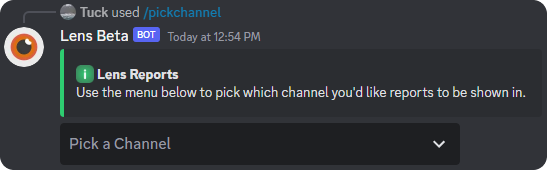
Choose a Channel
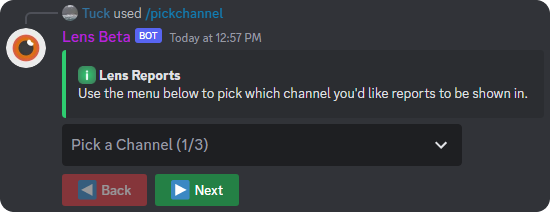
If your server has over 25 channels then you will see some extra buttons under the selector. These buttons allow you to see all of your server's channels since the maximum amount of channels that the drop down can display is 25.
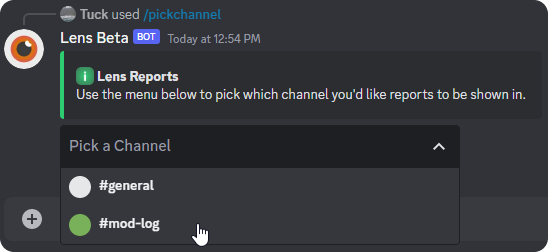
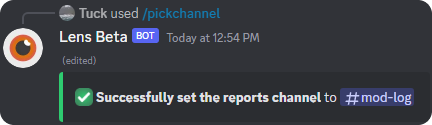
Once you have clicked the desired channel, the dropdown menu and buttons, if applicable, will be disabled and you will get a confirmation message.
Duplicate channels are channels that have the same name. Duplicates can not be shown in the dropdown menu, so instead, if a channel is a duplicate, it will have the channel id next to it. This also helps differentiate between channels.
What Now?
In order to make all of this channel stuff to work, you must enabled filters for the bot. (Next Page)